Views
A View is simply an SQL query that you can define on top of the staging tables in the Source Map. The Source Engine will then execute this query and store the result in yet another table in the Staging database. In addition to the staging tables corresponding to the Source metadata, the view query can also use the staging tables for other views and indeed also for Valuesets.
List View
Clicking on the View folder in the Project Explorer opens the View list.
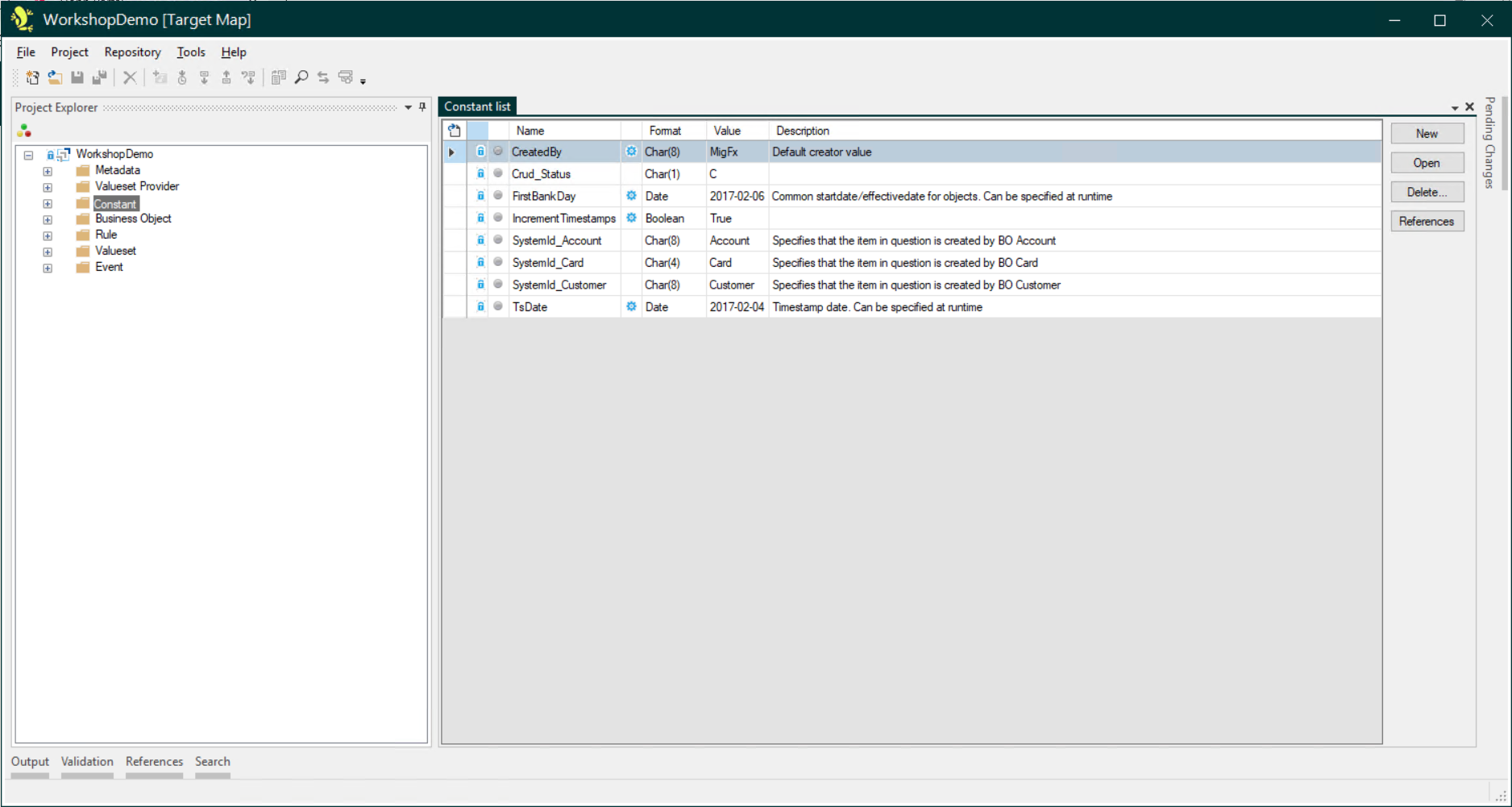
This screen displays a summary of the Views.
General Tab
This tab has three fields, to record the Name, Description and Comments about the View.
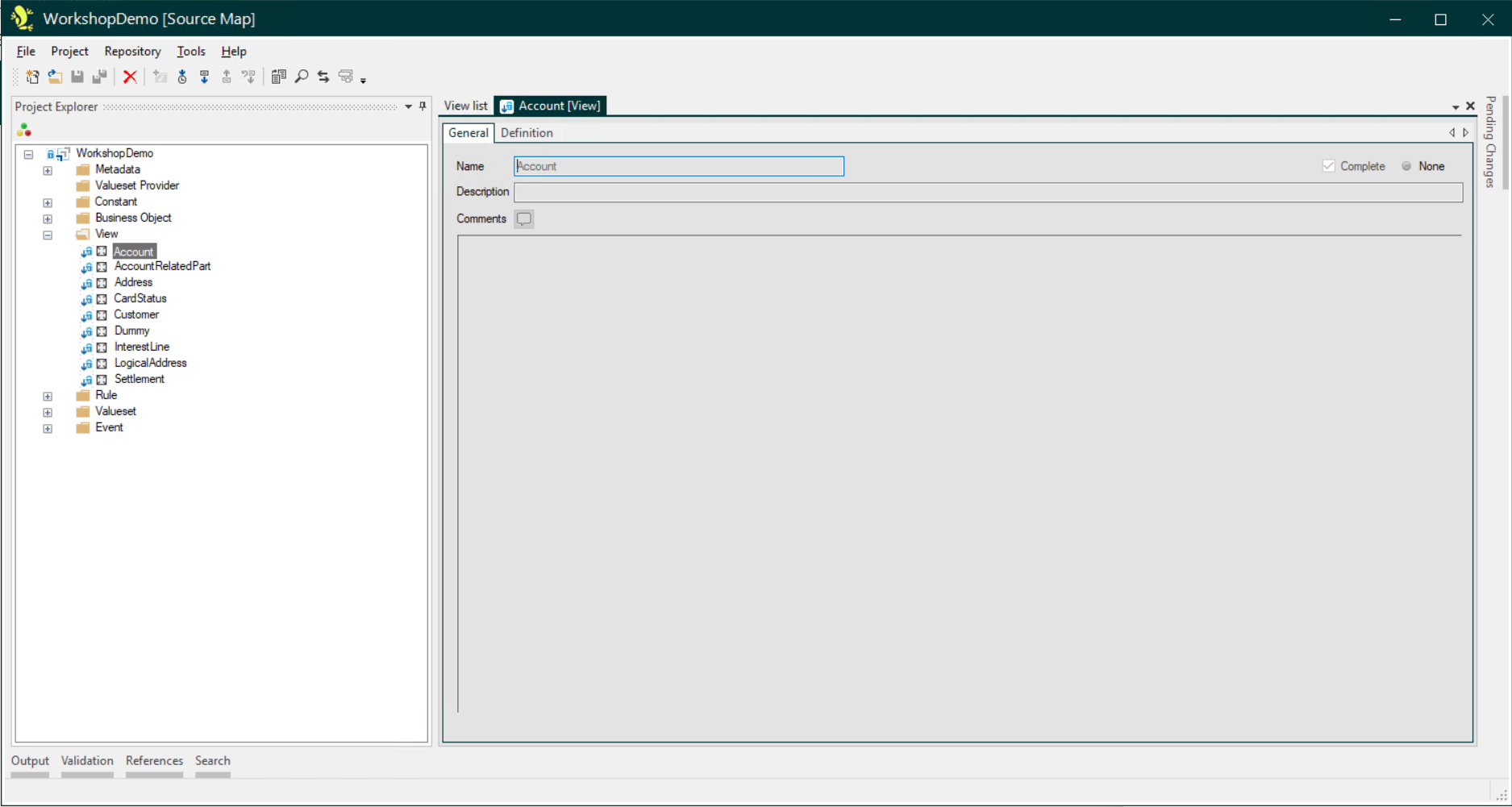
The Name is the only mandatory field, but as with Description and Comments fields elsewhere in the Studio, it is good practice to use these to record additional informative details about the migration mapping for other users.
Definition Tab
This is where the View is defined.

You can read more about creating Views here: Creating Views